
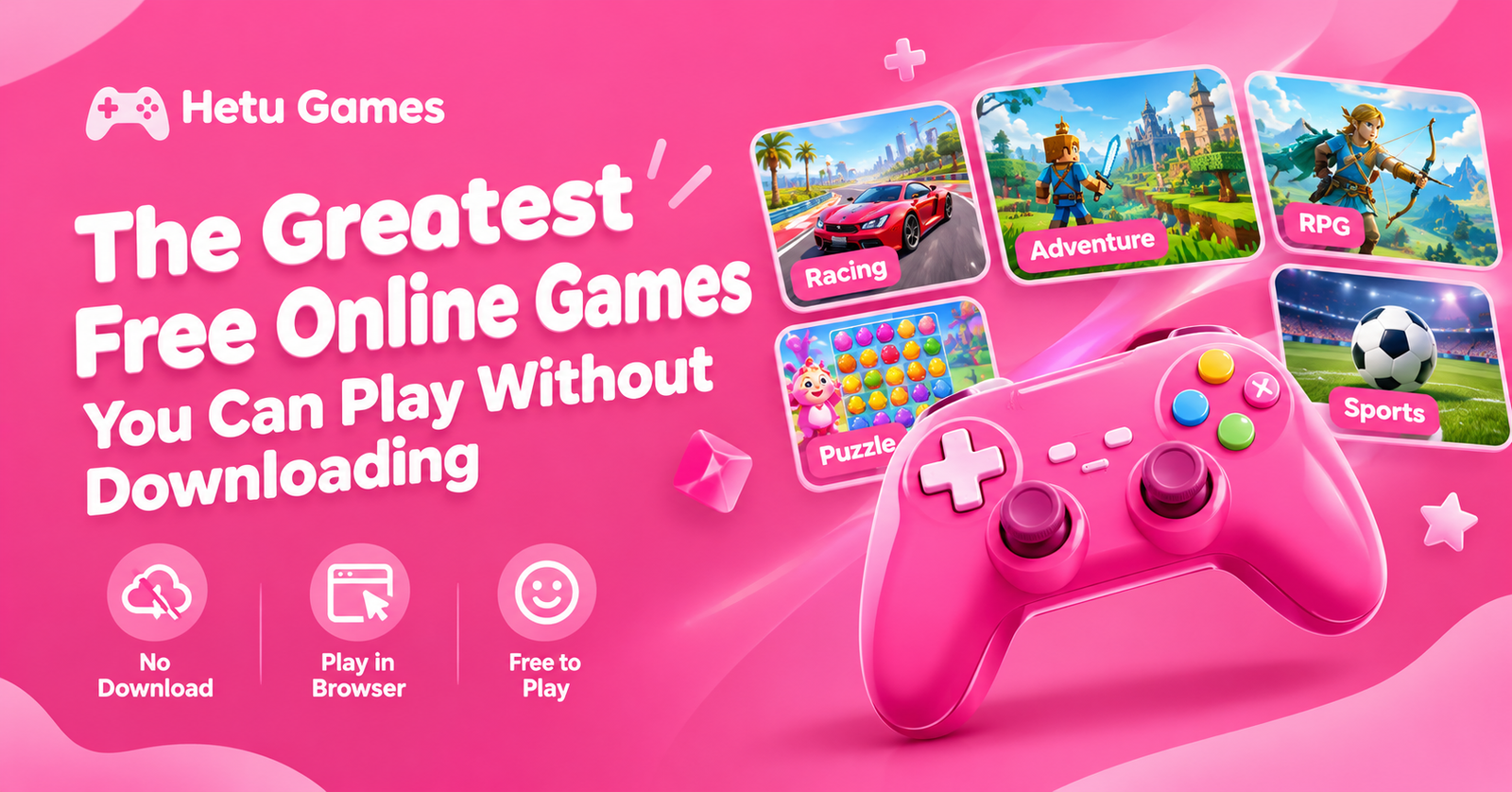
Looking for fun games you can play without downloading an app? Playing free online games in your browser is a simple way to have fun. Whether you enjoy racing fast cars, solving puzzles, competing in sports or exploring action adventures. There are several alternatives to suit your mood.
Hetu Games brings different types of browser games together in one place. You can explore multiple categories and choose a game that fits your interests without spending time installing large files. For short breaks, light amusement, and friendly challenges, browser gaming is helpful.
In this guide, you will discover different types of free online games. How to choose the right one and how to enjoy a smoother gaming experience.
What Are Free Online Games?
Free online games are those that you can play online without having to buy the game. Many browser games run directly on a website, so you do not need to install a separate application.
While some games allow you to play alone, others have multiplayer options that let you work together or compete with other people. The available features depend on the individual game.
Browser games cover many genres, including action, racing, puzzles, sports, strategy, arcade and adventure. Both novice and seasoned gamers can more easily discover something fun because of this variety.
Best Types of Free Online Games
1. Racing Games
If you like speed, competition, and challenging driving, racing games are a terrific option. You might race against computer-controlled opponents, avoid obstacles or try to finish a track as quickly as possible.
Some racing games focus on realistic driving, while others feature colorful tracks, unusual vehicles and stunt challenges.
To find your preferred experience, explore the Racing and Car categories on Hetu Games. Players who enjoy two-wheel challenges can also look for bike racing games.
2. Action Games
Action games often test your reaction time, movement and decision-making. Depending on the game, you might avoid obstacles, defeat opponents, complete missions or survive challenging levels. Beginners should start with simple controls before moving to more challenging levels. Check the Action category to discover games that suit your preferred difficulty and play style.
3. Puzzle Games
For players who want to solve puzzles, puzzle games are perfect. These games may involve matching colors, arranging shapes, finding patterns or completing logical challenges.
Unlike games that focus mainly on speed, many puzzles give you time to think before making a move. They can be a relaxing option when you want something engaging without intense competition. Try the Puzzle or Puzzle and Logic categories if you enjoy games that challenge your thinking.
4. Sports Games
Sports games bring familiar activities into a digital environment. You can explore basketball challenges, football matches, pool games and other sports experiences.
Some games focus on accuracy, while others reward timing, strategy or quick reactions. They are suitable for short sessions because many challenges can be completed in just a few minutes.
Explore the Sports category on Hetu Games to find an activity that matches your interests.
5. Multiplayer Games
Multiplayer games allow people to compete or cooperate through connected gameplay. Depending on the title, you may challenge friends, join a match or play against other participants online.
Some multiplayer games are easy to understand, while others require teamwork and practice.
Before starting, check whether a game supports private matches, public matchmaking or local two-player controls. These features are different, so choose a game that suits the way you want to play.
How to Play Online Games Without Downloading
Getting started is usually simple. First, open Hetu Games in a modern web browser. Browse the available categories or use the website search to find a particular game. Next, select a game that interests you and open its game page. Wait for the game to load and read any instructions displayed on the screen.
Before beginning a challenging level, become familiar with the controls. While some games use the mouse or touch controls, others use keyboard arrows. Finally, begin playing and explore different games until you find your favorites. Not every browser game works equally well on every device. Some require a stronger internet connection or more processing power than others.
Benefits of Playing Browser Games
No large installation required
Browser games can save storage space because compatible games run directly on a website. You do not need to download a separate application for every game.
Many genres in one place
You can switch between racing, puzzles, action and sports without searching through multiple app stores.
Convenient for short breaks
Many casual games have simple objectives and short levels. This makes them suitable for quick entertainment during free time.
Options for different skill levels
Some games are designed for beginners, while others offer harder challenges for experienced players. Gaming may be made more fun by selecting the appropriate level of difficulty.
Tips for a Better Gaming Experience
Use an updated browser to improve compatibility and security. A stable internet connection can also reduce loading delays in games that rely on online content. On a phone, keep the browser updated and use a device with enough available memory.
Always check the controls before starting. If a game feels difficult, practise the basic movements instead of trying to complete everything immediately. Choose age-appropriate games and avoid websites that ask you to download suspicious files or provide unnecessary personal information.
Are Free Online Games Really Free?
Many browser games are free to start, but their business models can differ. Some display advertisements, while others may offer optional purchases or extra features. Read the information on the game page before playing. Never assume that every feature is free simply because a game can be opened without payment. On a website that displays advertising, use the normal play controls and avoid clicking advertisements by mistake.
Final Thoughts
Free online games offer a convenient way to enjoy racing, sports, action and puzzle challenges without installing a separate application for every title. The best choice depends on your interests, device and preferred difficulty.
Explore the available categories on Hetu Games, try different styles and discover which games you enjoy most. Start with a simple challenge and gradually explore new experiences as your skills improve.
Frequently Asked Questions
Can I play free online games without downloading anything?
Yes. Many browser games run directly on a website. However, some games may require additional software or may not work on every device.
Which online games are best for beginners?
Puzzle games, simple arcade games and basic racing games are good starting points because their controls and objectives are often easy to learn.
Can I play browser games on my phone?
Many browser games support mobile devices. The experience depends on the game’s design, your browser and your device’s capabilities.
Do online games require an internet connection?
Most browser games need an internet connection to load. Some games may support offline play after loading, but this depends on the individual title.
Where can I find different types of free games?
You can browse the Action, Racing, Sports, Puzzle and Multiplayer categories on Hetu Games to explore different gaming experiences.